
UHR Loader
Start your whole shack in the right order, with one click.
Version 2.0.6 release for Windows 10 or 11. Free to use.
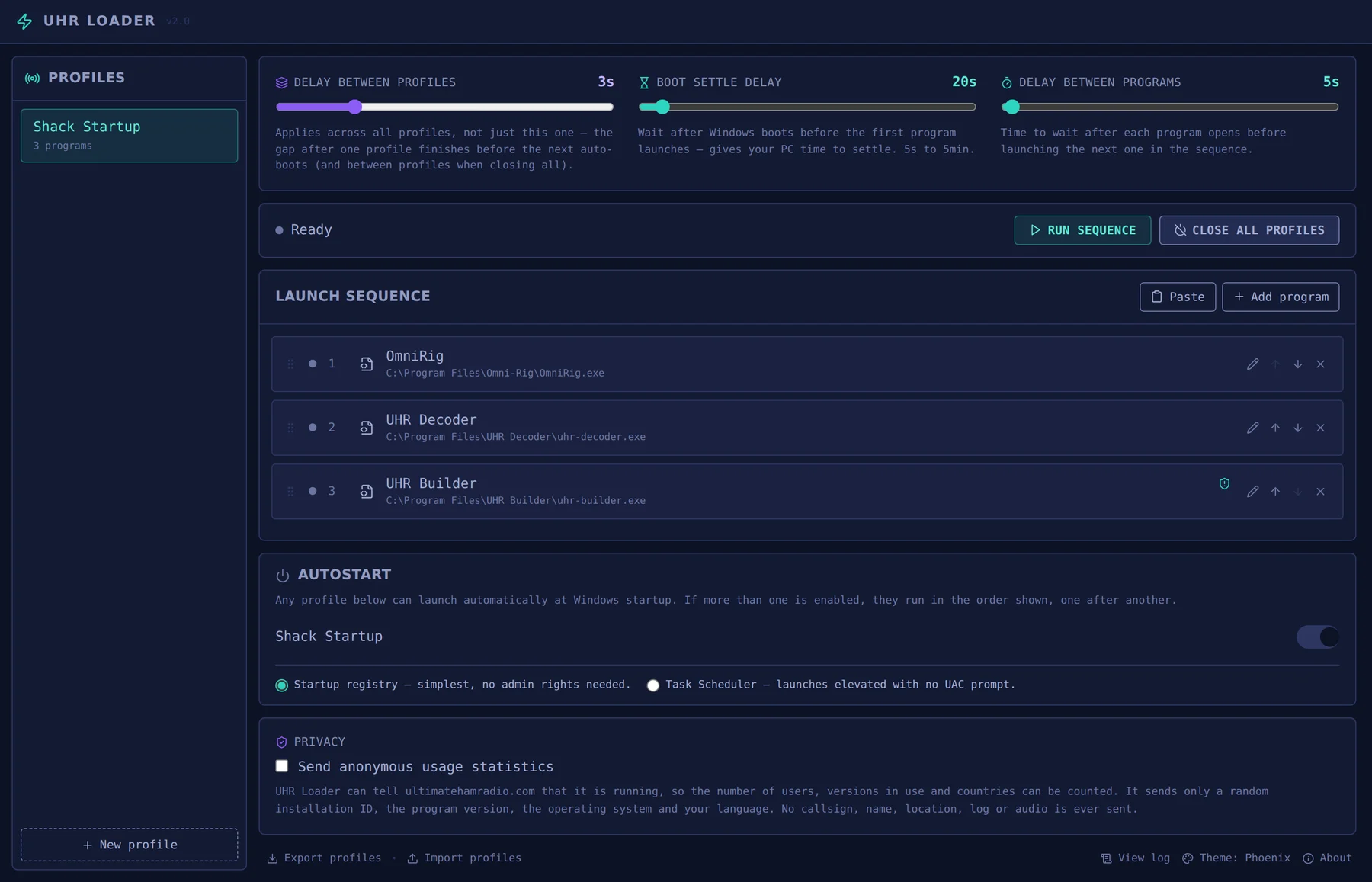
What it does
UHR Loader starts your shack software in the sequence you choose, then closes it down in reverse when you are done. Rig control, logger, decoder, digital modes and utilities all come up in order without you clicking through each one.
Three delays to fit your PC
Set a boot settle delay so Windows can finish starting, a gap between programmes, and a gap between profiles. Pause, skip or stop a sequence while it runs.
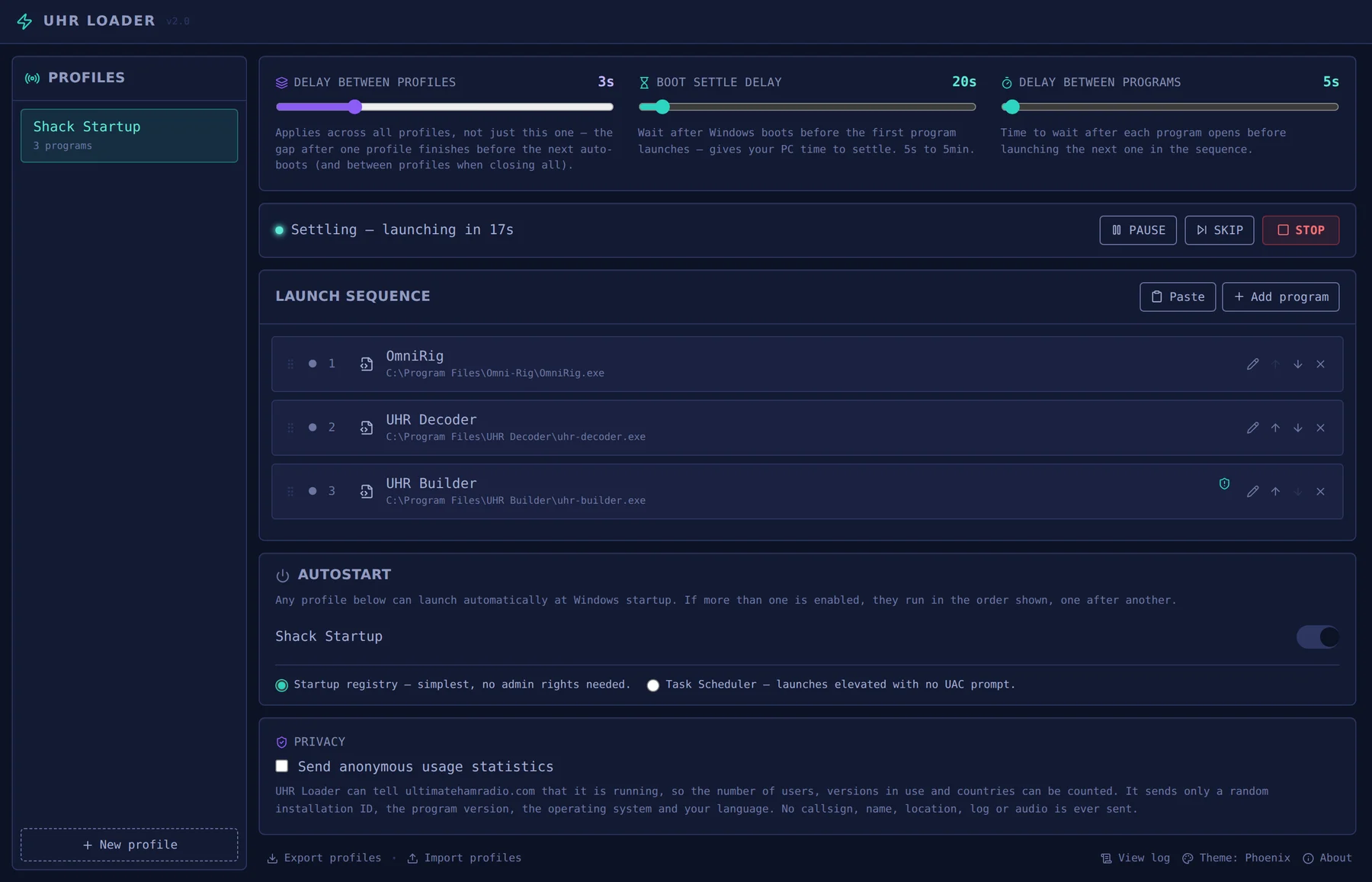
Two looks
UHR Loader opens in the teal and violet Phoenix theme, the same look as the rest of the suite. If you prefer it, the amber Rack theme is still there, one click away at the bottom of the window.
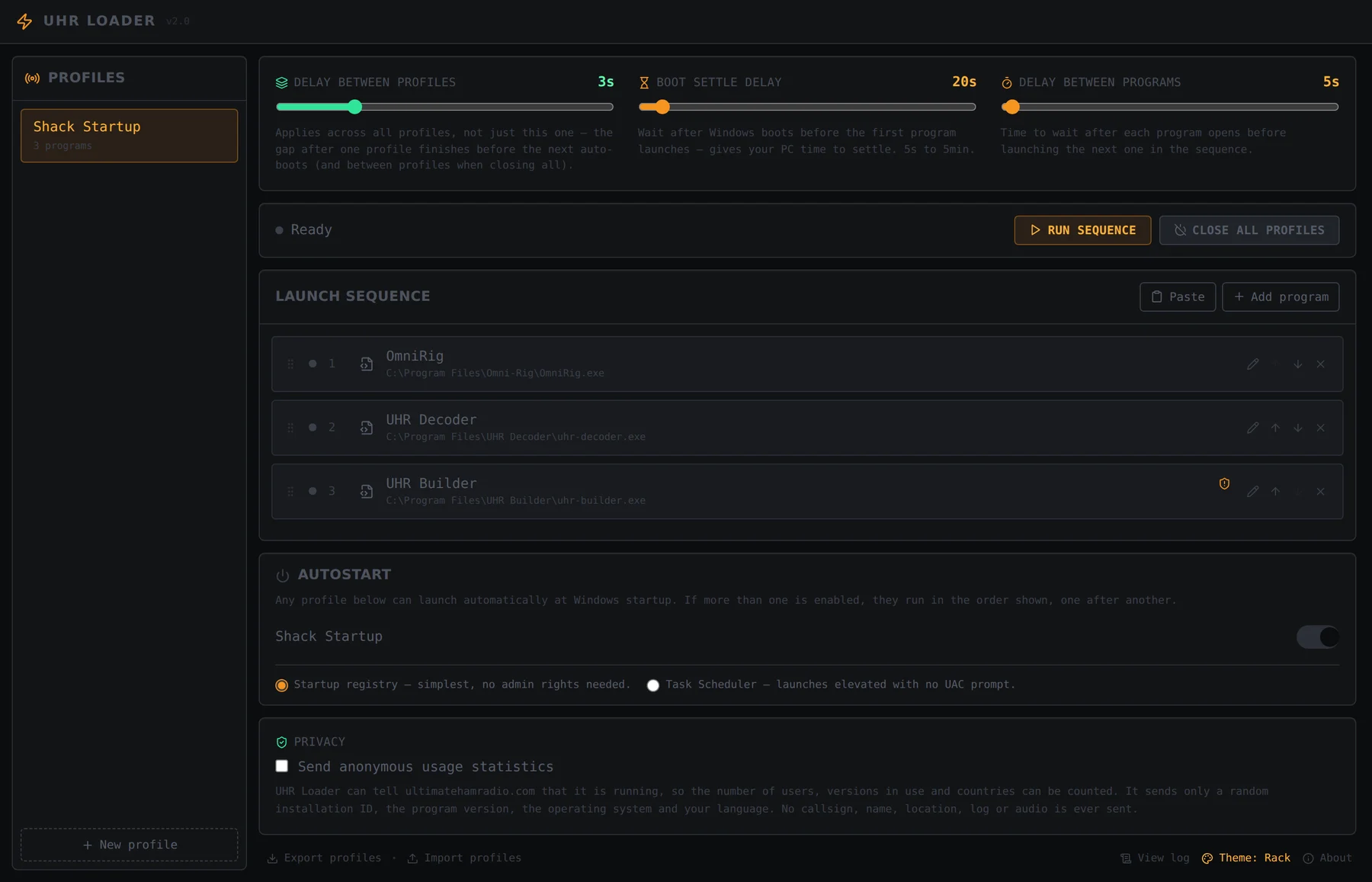
Your shack, in the right order
Build a launch sequence by adding programmes, or by pasting a shortcut or .exe copied in File Explorer. Drag them into order, or move them up and down. Set a launch argument, a working directory and run-as-administrator for each one.
Profiles for every kind of operating
Keep separate startup lists for everyday, contest or portable use, duplicate a profile, and run whichever you need.
Closes down in reverse
Close all profiles shuts every launched programme down in reverse order, so nothing is left running.
Starts with Windows
Any profile can launch at Windows startup, through the startup registry, which needs no admin rights, or through Task Scheduler, which launches elevated with no UAC prompt.
Back up and share
Export your profiles to a file and import them on another PC, and open the log to see what happened.
Download UHR Loader
- Version
- 2.0.6 (release)
- Released
- 18 October 2026
- File size
- 2.2 MB
- Works on
- Windows 10 or 11
- Price
- Free, donations welcome
What's new
-Theme
Keep the Ultimate suite free
Every Ultimate programme is built and supported in my spare time. If this one helps your operating, a donation covers development and testing.