
UHR Decoder
Decode. See. Log. One window. The full Ultimate suite, with live and session maps, spots, propagation, awards and contest mode built in.
Version 1.3.10 test build for Windows 10 or 11. Free to use.
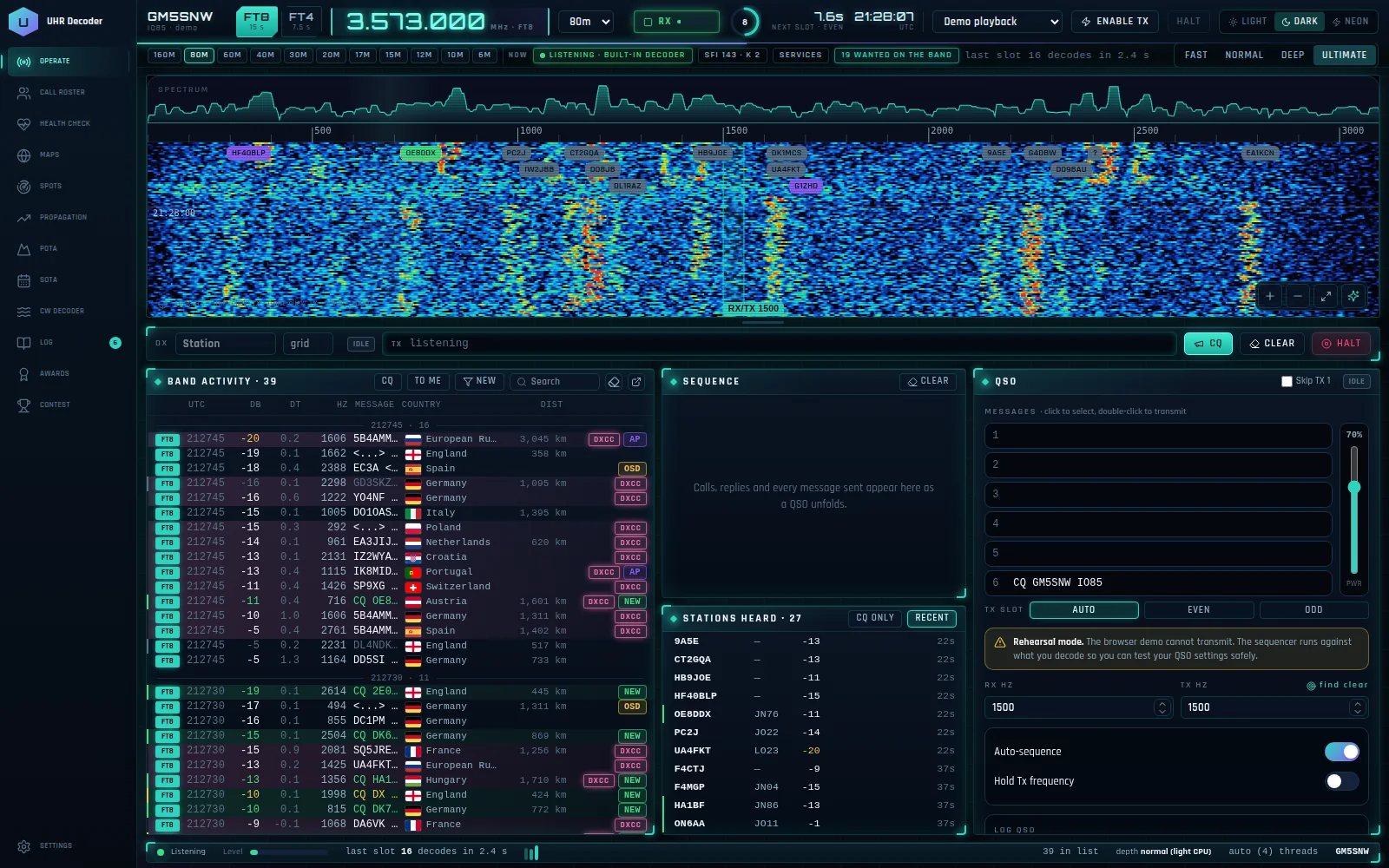
What it does
UHR Decoder is the flagship of the Ultimate suite. It decodes FT8 and FT4 with its own built-in decoder, or works alongside JTDX, WSJT-X and MSHV over UDP, and adds the tools those programs leave out: a call roster that knows what you need, a live map and a session map, DX spots, POTA and SOTA, propagation, awards and a contest mode with its own log.
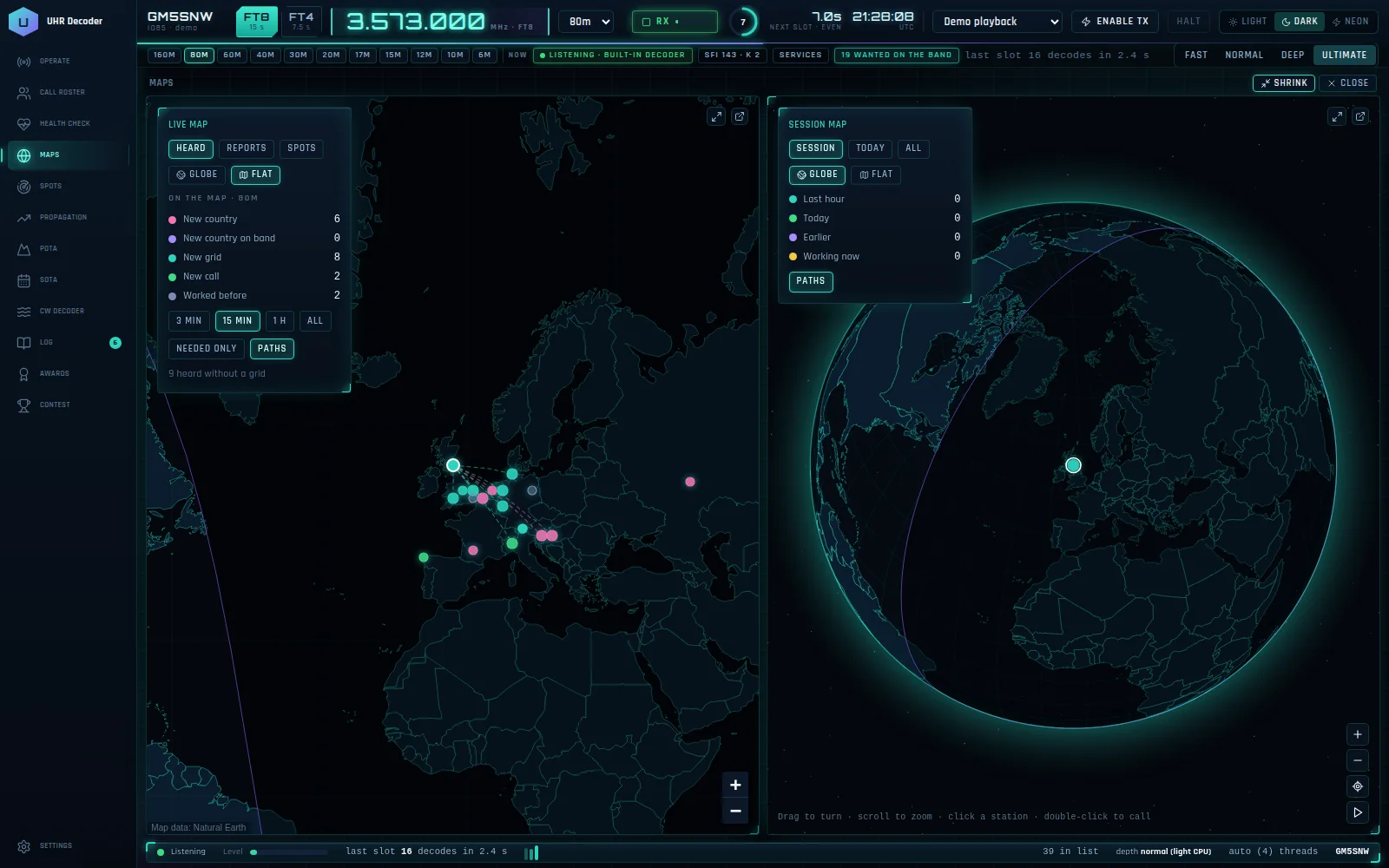
A live map and a session map, side by side
The live map shows stations heard, PSK Reporter reports and spots, coloured by what you need: new country, new grid, new call. The session map shows this session's contacts and trails. Choose a globe or a flat map for each, and double-click a station to call it.
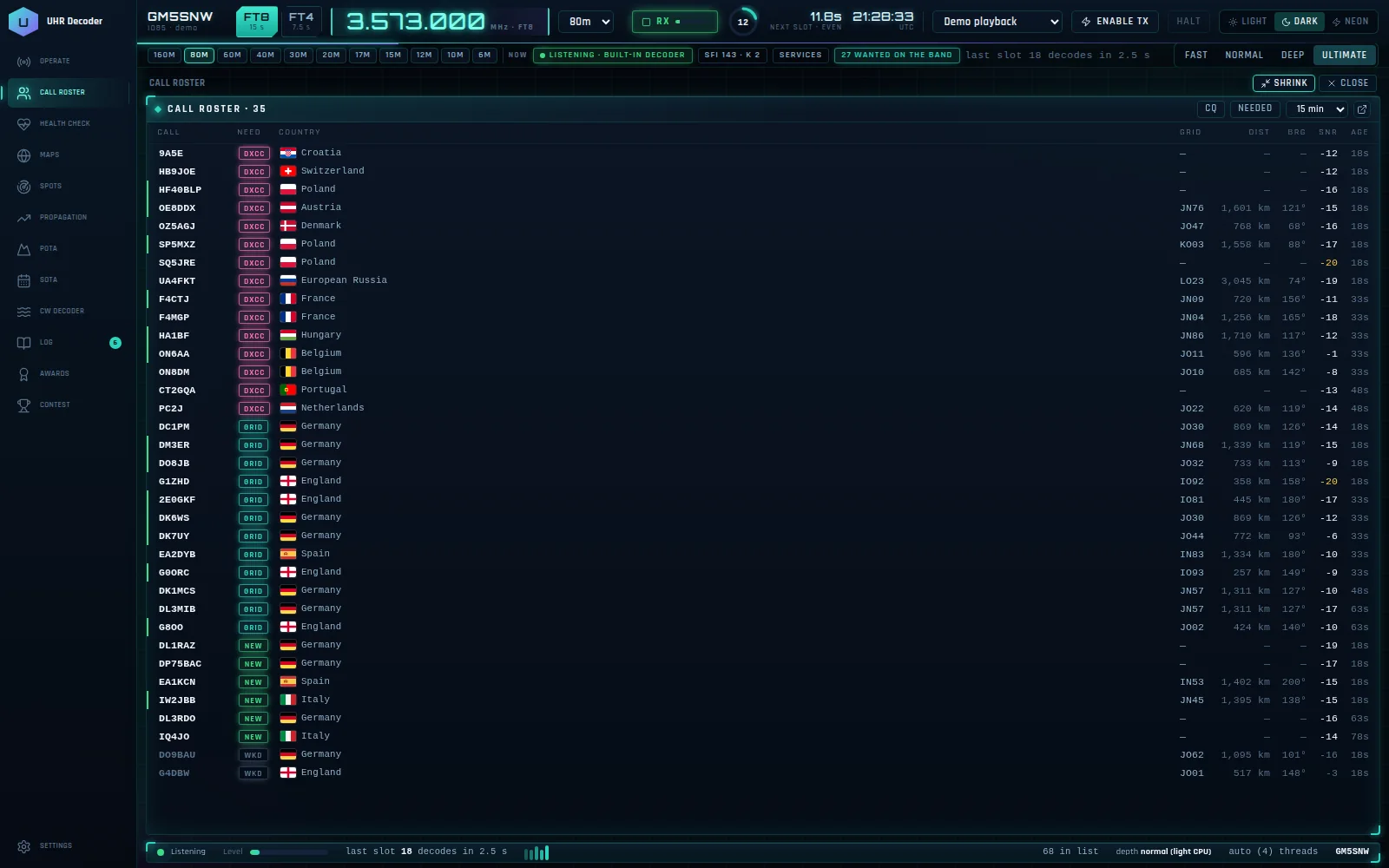
A call roster that tells you what you need
Every station heard is flagged as a new DXCC, new grid, new call or already worked, with distance, bearing and SNR beside it. Filter it to CQs, or to the stations you still need.
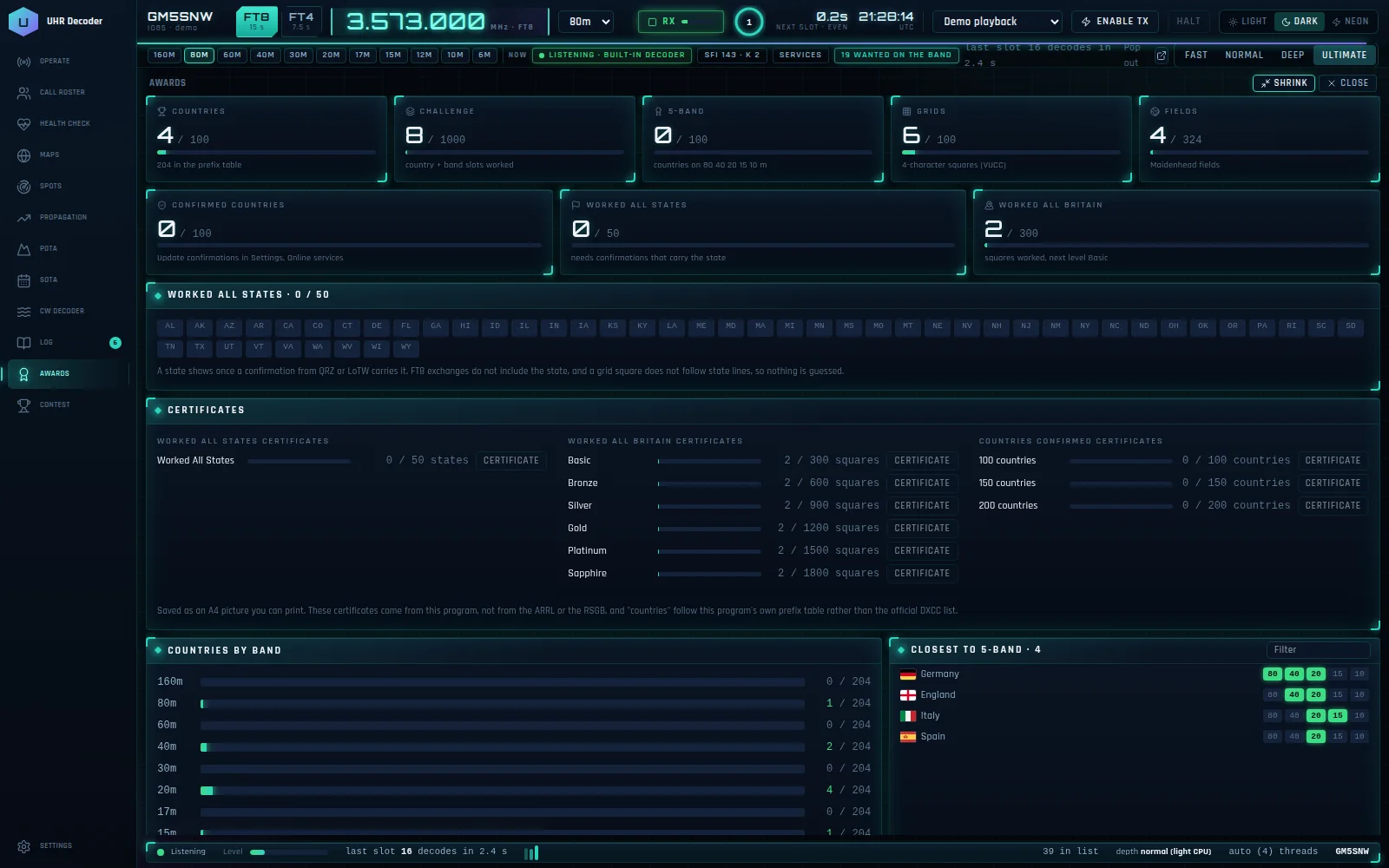
Awards that track themselves
Countries, the 1000-slot challenge, 5-band, grids and fields count up as you log. Print your own certificates for Worked All Britain, Worked All States and countries confirmed.
A health check for every online service
One screen shows QRZ lookup, QRZ Logbook, QSL Master, LoTW, eQSL, DX cluster, PSK Reporter and solar data, so you can see at a glance what is connected.
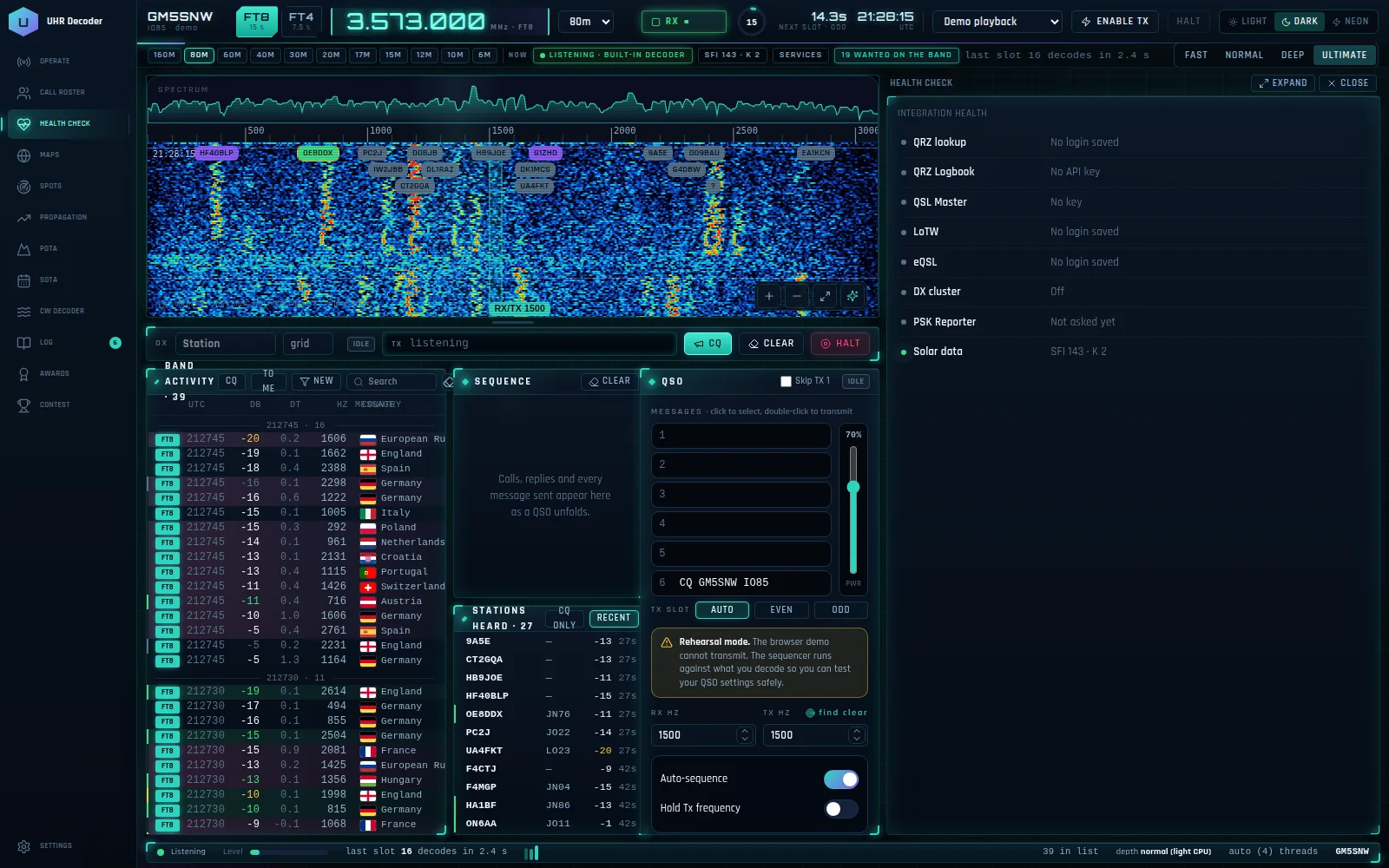
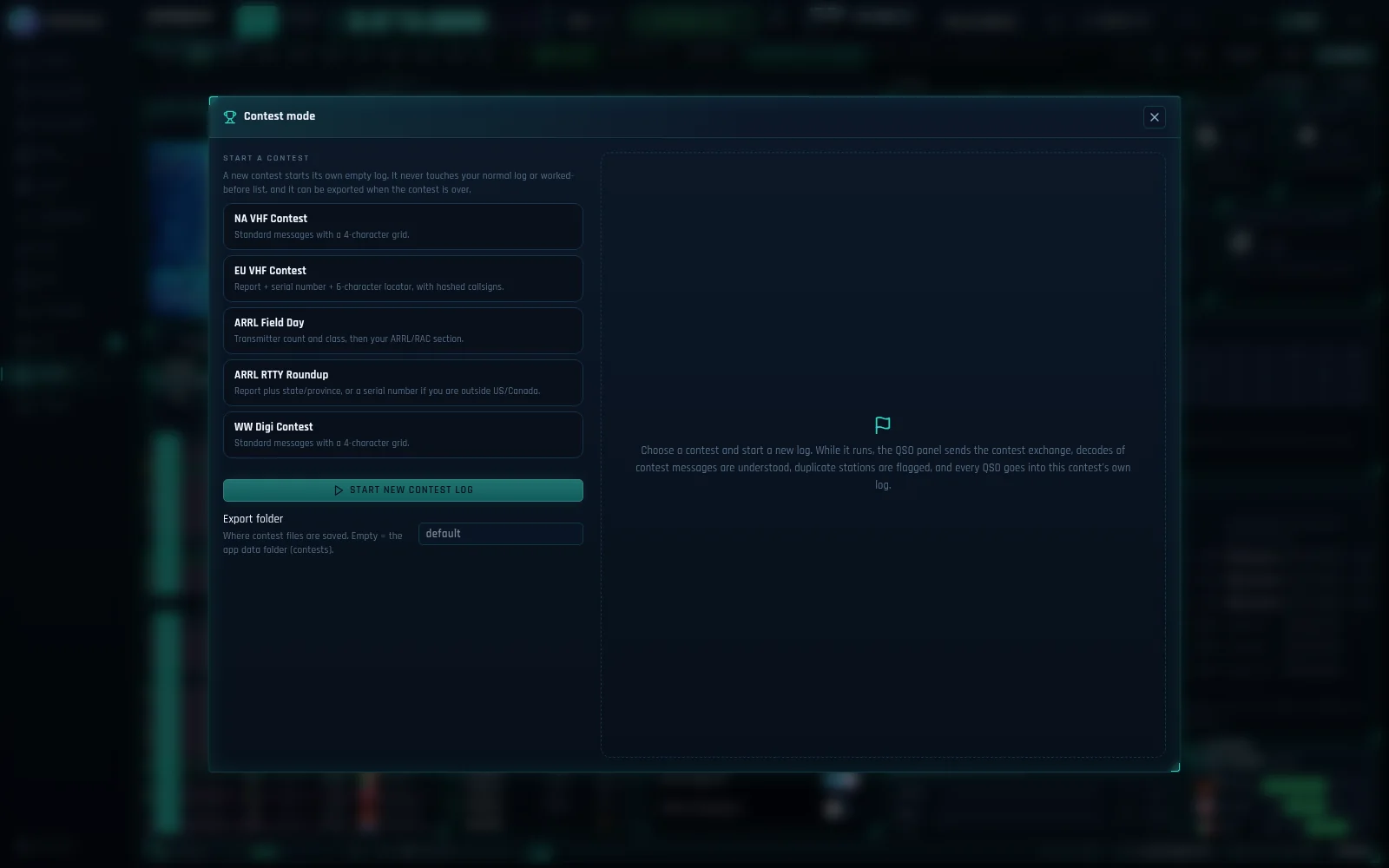
A contest mode with its own log
Start a contest and UHR Decoder opens a fresh, independent log for it, sends the contest exchange, understands contest messages and flags duplicates. Your everyday log stays untouched, and the contest log can be exported when it is over.
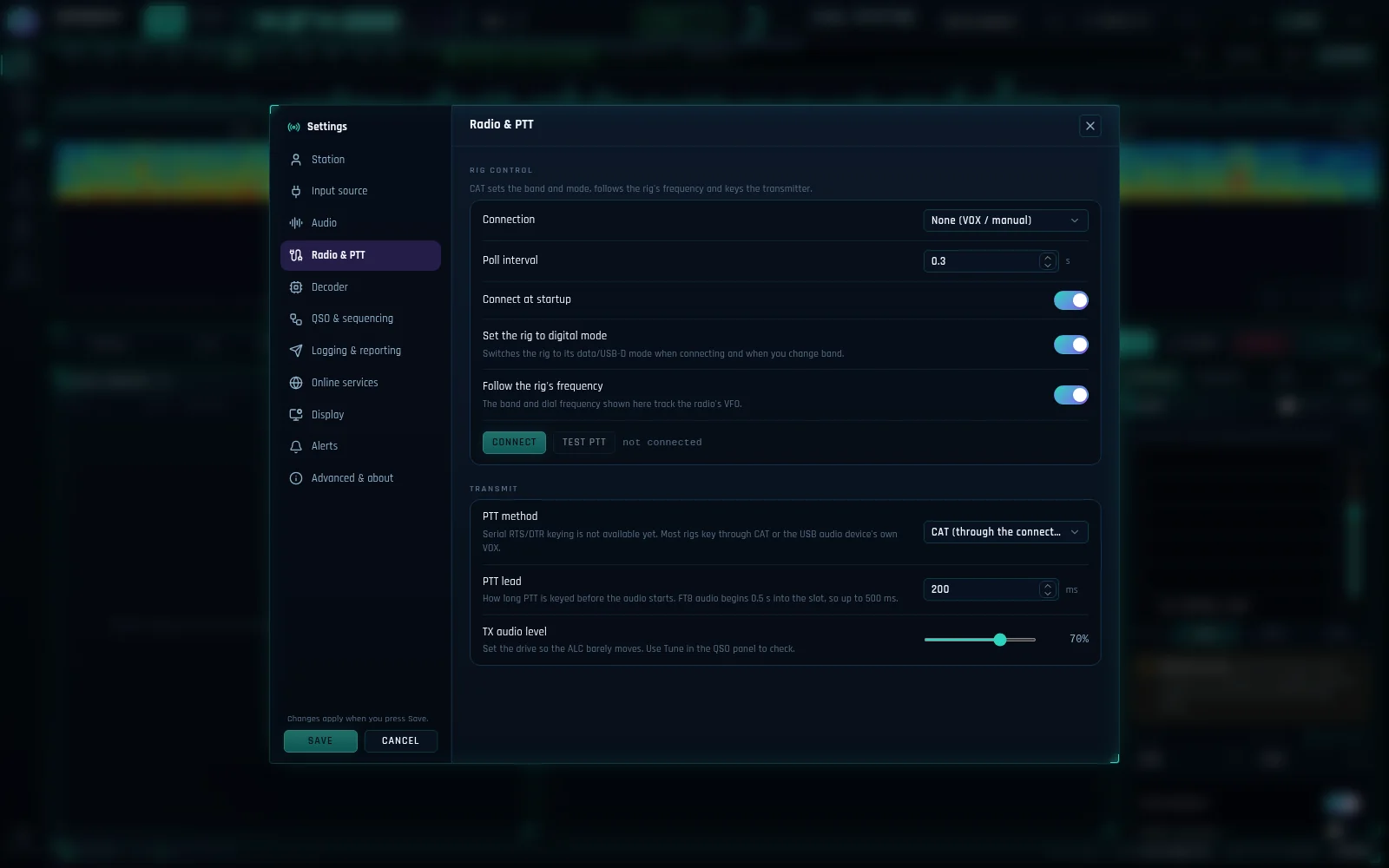
Control your radio
Connect through OmniRig or Hamlib rigctld, or run with VOX or manual control. The band, mode and frequency follow your rig, and the rig can be put into digital mode for you.
Dark, Light and Neon
Pick the look that suits your shack. All three themes are one click away at the top of the window.
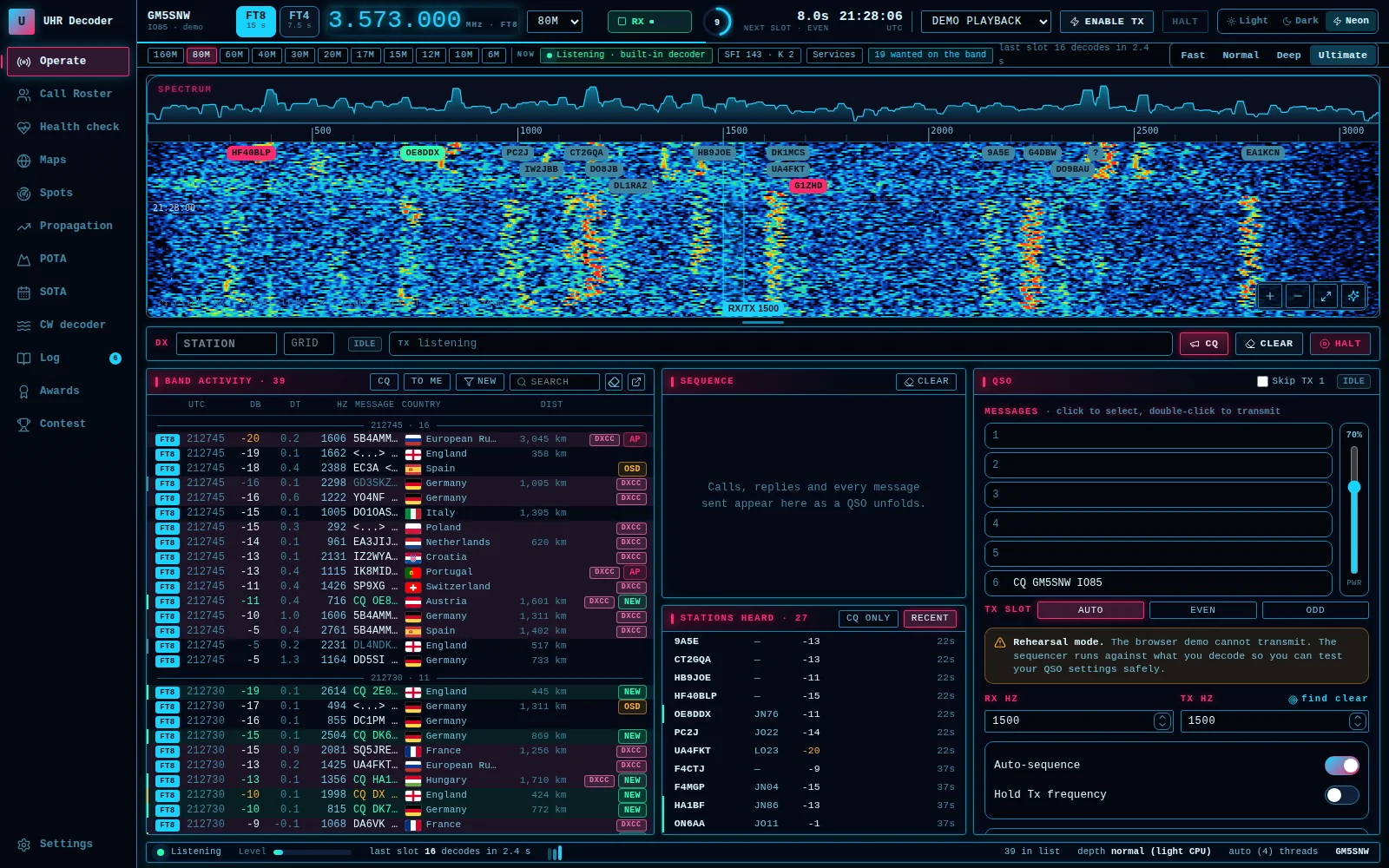
A familiar layout
Waterfall, Band Activity, Sequence, Stations Heard and the QSO panel are all on the operating screen, with a tool sidebar that opens each tool beside them. Any panel can be popped out to its own window.
Spots, POTA, SOTA and a CW decoder
DX cluster spots, POTA and SOTA activators and a CW decoder each have their own tool in the sidebar, so you do not need another window for them.
Propagation
Solar data and band conditions, with a propagation map, in the same window.
Four decode depths
Choose Fast, Normal, Deep or Ultimate to balance decoding power against CPU use.
Works with JTDX, WSJT-X and MSHV
Prefer another decoder? Take its decodes over UDP and use UHR Decoder as your roster, maps and awards screen. It can also send decodes onward over UDP to tools such as GridTracker.
Logging and confirmations
Contacts are saved to ADIF and can go straight to your QRZ Logbook or QSL Master. QRZ lookups show the photo and name of the station you select, and LoTW and eQSL confirmations are read back in.
Alerts you can hear
A wanted-calls list with spoken or sound alerts for wanted calls, new countries and anyone calling you, played through the output you choose so they never go out on air.
Download UHR Decoder
- Version
- 1.3.10 (test build)
- Released
- 22 November 2026
- Works on
- Windows 10 or 11
- Price
- Free, donations welcome
What's new
1.3.10: Calling a station now transmits on that station's frequency (Tx = Rx), like JTDX / WSJT-X. Hold Tx frequency, Fixed and Find clear are still honoured, and CQ uses your own pitch.
1.3.10: Each transmission is now planned once, not twice.
Keep the Ultimate suite free
Every Ultimate programme is built and supported in my spare time. If this one helps your operating, a donation covers development and testing.